Tech
How to Set Up a Smart Home: A Beginner’s Guide

Updated Published
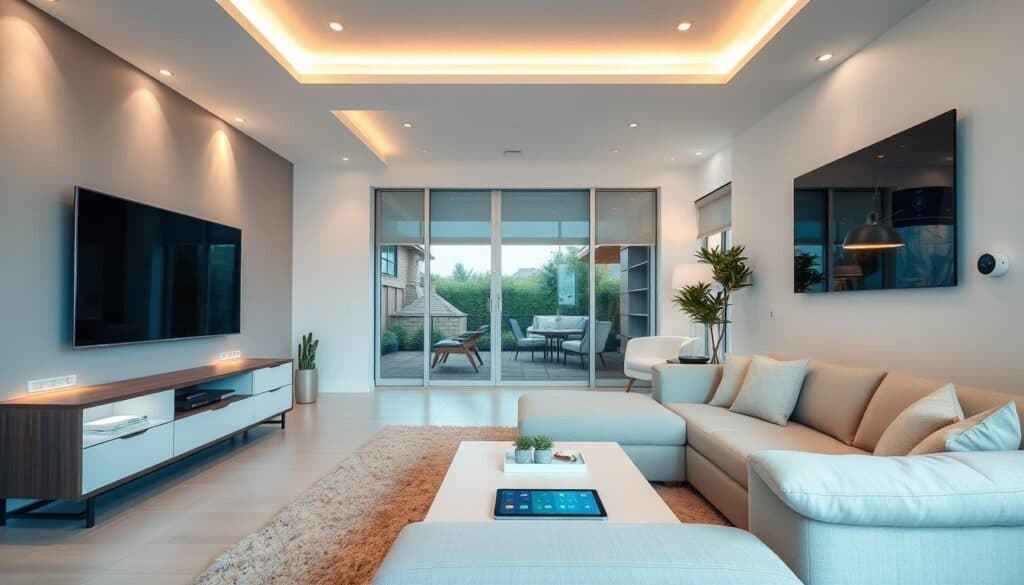
A beginner’s guide to building a smart home: what smart devices can do, how to choose a system that suits your home, and how to set up, connect and secure your first devices.
On this page
Imagine unlocking your front door with your phone or having your thermostat adjust itself to the perfect temperature. These are just a few examples of what a smart home can do. With today’s technology, creating a connected living space is easier than ever.
Smart homes offer a range of benefits, from saving energy to enhancing security. You can control lights, appliances, and even security cameras using a single app or voice commands. Whether you own or rent, these features are accessible and affordable.
This guide will walk you through the basics of setting up your first smart home. You’ll learn how to choose the right devices, connect them seamlessly, and make your home more efficient. Let’s get started on this exciting journey!
Key Takeaways
- Smart homes make daily tasks easier and more convenient.
- They help save energy and reduce utility bills.
- You can control devices using apps or voice assistants.
- Both homeowners and renters can enjoy smart home features.
- Setting up a smart home is simple with the right guidance.
Understanding the Smart Home Landscape
Transforming your house into a tech-savvy haven is simpler than you think. A connected living space allows devices to work together, making daily tasks easier and more efficient. Whether it’s adjusting the thermostat or locking the doors, technology integrates seamlessly into your routine.
The Benefits of a Connected Home
One of the biggest advantages is convenience. Devices communicate via Wi-Fi and apps, streamlining operations. For example, you can turn off lights or check security cameras from your phone. This not only saves time but also enhances peace of mind.
Energy savings are another key benefit. Connected thermostats and lights adjust automatically, reducing utility bills. Enhanced security is also a major perk. Smart locks and cameras provide real-time alerts, keeping your property safe.
Key Devices and Ecosystems Overview
Popular ecosystems like Amazon Alexa, Google Nest, and Apple HomeKit make it easy to manage devices. These platforms act as a central hub, allowing you to control everything from one app. For instance, an Amazon Echo can manage lights, locks, and even your TV.
Smart speakers and integrated security cameras are common examples. These devices work together to create a cohesive system. The role of hubs and controllers is crucial, as they ensure smooth communication between devices.
Defining Your Smart Home Goals
Take the first step by defining what you want to achieve with your connected devices. Whether it’s simplifying daily tasks or cutting energy costs, having clear objectives ensures your project stays focused and effective.
Start by identifying your priorities. Do you want to enhance comfort, improve convenience, or save on utility bills? For example, automated light systems can create a cozy atmosphere, while scheduled thermostat adjustments can reduce energy usage.
Identifying Comfort, Convenience, and Energy Savings
Comfort is often a top priority. Think about how you can make your living space more enjoyable. Voice-controlled lights or automated blinds can add a touch of luxury to your routine.
Convenience is another key factor. Imagine being able to control your devices from a single app or with a simple voice command. This not only saves time but also makes life easier.
Energy savings are a major benefit of connected systems. Devices like smart thermostats and energy-efficient bulbs can significantly lower your bills. By focusing on these areas, you can create a more efficient and enjoyable living space.
Before making any purchases, take time to assess your specific needs. This ensures you invest in devices that align with your goals. Additionally, choose a platform that supports your planned features, ensuring seamless integration and ease of use.
Prioritizing Your Needs and Smart Features
Creating a connected living space starts with knowing what matters most to you. Whether it’s boosting security, improving entertainment, or simplifying daily tasks, focusing on your priorities ensures a setup that truly enhances your lifestyle.
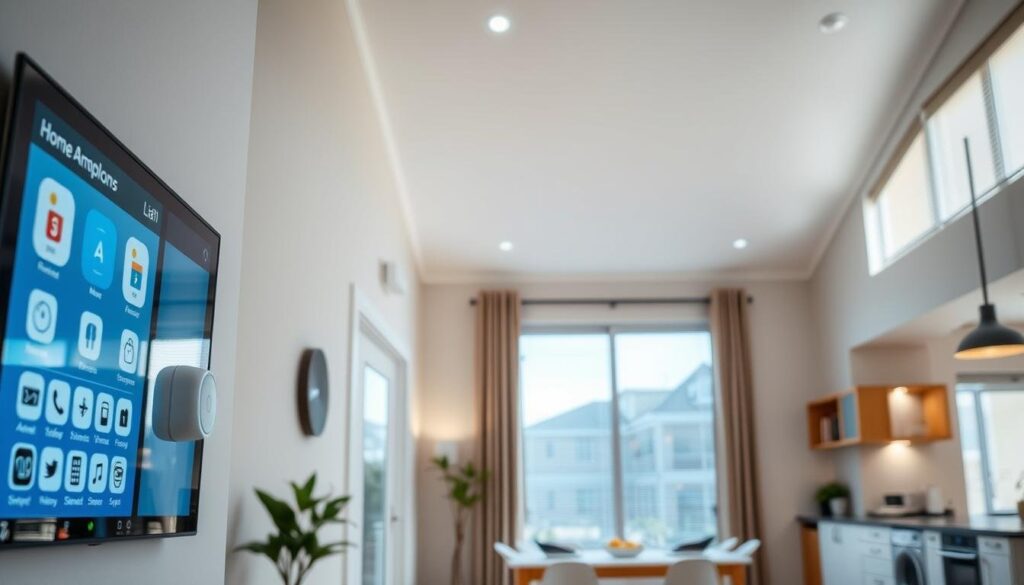
Security and Safety First
Security should always be a top priority. Devices like smart locks and cameras provide real-time alerts and peace of mind. For example, a smart lock lets you control access remotely, while cameras keep an eye on your property 24/7.
Ensure your network can handle these devices securely. A strong Wi-Fi connection is essential for seamless operation. Brands like Apple offer integrated solutions, such as HomeKit, which works with compatible locks and cameras for added convenience.
Entertainment and Daily Efficiency
Entertainment systems can also benefit from connectivity. Smart TVs and voice-controlled speakers make it easy to stream shows or play music. For instance, a voice assistant can adjust the volume or switch channels without lifting a finger.
Daily routines become more efficient with automation. Save time by scheduling lights to turn on at sunset or setting your thermostat to adjust automatically. These small changes can make a big difference in your day-to-day life.
| Feature | Security | Entertainment |
|---|---|---|
| Example Devices | Smart locks, cameras | Smart TVs, voice assistants |
| Key Benefit | Enhanced safety | Improved convenience |
| Integration | Works with Apple HomeKit | Voice control via Alexa or Google |
Balancing functionality with ease-of-use and budget is crucial. Start with devices that address your immediate needs, then expand as your comfort grows. This approach ensures a system that’s both practical and enjoyable.
Choosing a Smart Home Platform
Selecting the right platform is the foundation of a seamless connected living experience. With options like Amazon Alexa, Google Home, and Apple Home, it’s essential to understand their strengths and limitations. Each ecosystem offers unique features, so your choice depends on your needs and preferences.
Comparing Amazon Alexa, Google Home, and Apple Home
Amazon Alexa is known for its vast compatibility with third-party devices. It works well with locks, cameras, and lights, making it a versatile choice. The voice assistant is highly responsive, and the platform supports a wide range of skills for added functionality.
Google Home excels in integration with Google services like Calendar and Maps. Its voice assistant is intuitive, and it’s a great option if you’re already in the Google ecosystem. Devices like Nest cameras and thermostats work seamlessly with this platform.
Apple Home is ideal for iPhone users, offering a secure and streamlined experience. It integrates well with Apple devices and focuses on privacy. However, its compatibility with non-Apple products is more limited compared to the others.
Understanding Matter and Cross-Platform Compatibility
The Matter standard is a game-changer for device compatibility. It allows devices from different platforms to communicate effortlessly. For example, a Matter-enabled lock can work with both Amazon Alexa and Google Home, simplifying your setup.
This standard ensures future-proofing, as it supports upgrades and new devices. When choosing a platform, consider how well it integrates with Matter. This ensures your devices will work together, regardless of the brand.
Think about your room layout and future plans. A platform that supports Matter will make it easier to add new devices later. Voice assistants like Alexa or Google Assistant can control these devices effortlessly, enhancing your daily routines.
Smart Home Setup: Essential Steps
The journey to a more efficient and automated home begins with a clear plan. Whether you’re adding a thermostat, a smart lock, or voice-controlled lights, thoughtful preparation ensures everything works seamlessly. Start by mapping out your goals and understanding how each device fits into your daily routine.
Planning Your Device Integration
Begin by identifying where each device will go. For example, place a thermostat in a central location for accurate temperature readings. A smart lock should be installed on your main door for easy access and security. Proper placement ensures optimal performance and integration.
Consider how devices will communicate. Many products use protocols like Wi-Fi, Zigbee, or Thread. Choose devices that support multiple standards to ensure compatibility and longevity. This approach future-proofs your setup, allowing you to add new devices without hassle.
Selecting Multi-Standard Compatible Products
When shopping for devices, look for labels like “Works with Alexa” or “Matter-certified.” These indicate cross-platform compatibility, making it easier to manage your system. For instance, a thermostat that works with both Alexa and Google Home offers flexibility and convenience.
Here are some tips for choosing the right products:
- Prioritize devices that support multiple protocols (Wi-Fi, Zigbee, Thread).
- Ensure your smart lock integrates with your chosen voice assistant, like Alexa.
- Look for products with easy-to-use apps for quick setup and control.
Finally, synchronize your automation routines. For example, set your thermostat to adjust when you leave the house or program your smart lock to secure your door at night. Using voice assistants like Alexa can simplify these tasks, making your daily life more efficient.
Setting Up Smart Home Hubs and Controllers
Hubs are the backbone of any connected living space, ensuring all devices work together seamlessly. They act as a central point, allowing you to manage everything from lights to locks with ease. Without a reliable hub, your devices might struggle to communicate effectively.
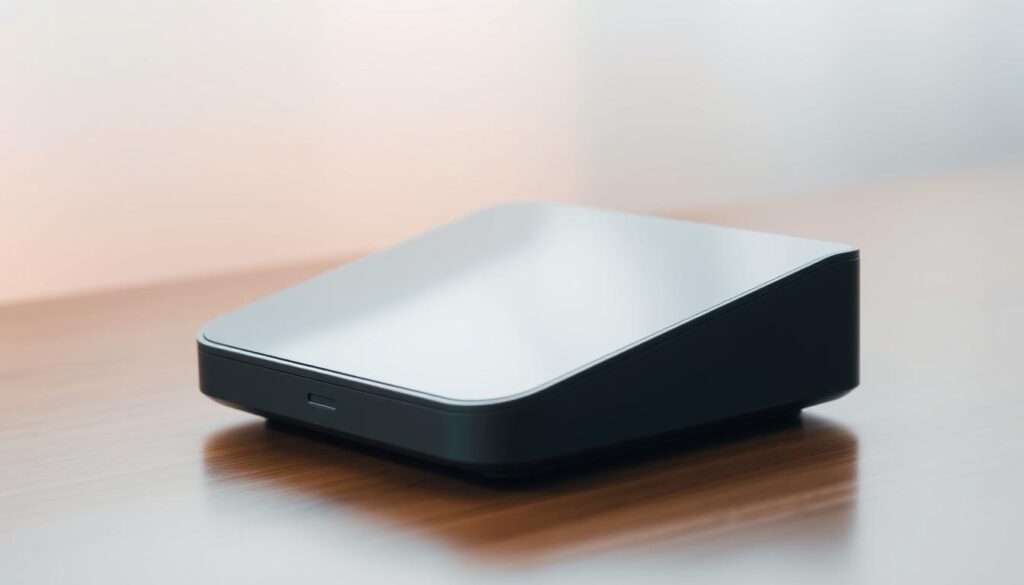
Role of Hubs like SmartThings and Nest Hub
Hubs like SmartThings and Nest Hub play a crucial role in connecting your devices. They support multiple protocols, such as Zigbee and Thread, ensuring compatibility across brands. For example, a SmartThings hub can control lights, locks, and sensors from different manufacturers.
These hubs also enhance power management. They optimize energy usage by coordinating devices based on your routines. This feature is especially useful in larger homes, where multiple devices need to work in harmony.
Ensuring Reliable Wi-Fi and Thread Connections
A strong wi-fi network is essential for smooth operation. Hubs rely on a stable connection to communicate with devices. If your network is weak, you might experience delays or dropped connections.
Thread is another protocol gaining popularity. It’s designed for low-power devices and offers faster, more reliable access. For instance, a Thread-enabled thermostat can respond quickly to changes, even in areas with poor wi-fi coverage.
Here are some tips to ensure reliable connectivity:
- Place your hub in a central location for better signal distribution.
- Use a mesh wi-fi system to eliminate dead zones.
- Check for firmware updates regularly to keep your hub running smoothly.
By focusing on these details, you can create a system that’s both efficient and easy to use. Troubleshooting common issues, like signal drops or device unresponsiveness, becomes simpler with a well-planned setup.
Installing and Configuring Your Smart Devices
Getting started with your connected living space is easier than you might think. Whether you’re adding bulbs, plugs, or thermostats, the process is straightforward with the right guidance. This section will walk you through the essential steps to install and configure your smart home devices seamlessly.
Step-by-Step Installation Tips for Devices
Begin by unboxing your smart device and reading the manual. Most products come with clear instructions, making the setup process simple. For example, replacing a traditional bulb with a smart bulb involves screwing it into the socket and connecting it to your app.
Next, download the corresponding app for your device. Apps like SmartThings or Google Home make it easy to manage your devices. Follow the on-screen prompts to connect the device to your Wi-Fi network. Ensure your network is stable to avoid interruptions during setup.
Here are some common pitfalls to avoid:
- Ensure your Wi-Fi password is correct to prevent connection issues.
- Place your router in a central location for better signal strength.
- Check for firmware updates to keep your device running smoothly.
Integrating Bulbs, Plugs, and Thermostats
Once your devices are installed, integrate them into your system. For smart bulbs, use the app to set schedules or create scenes. For example, you can program lights to turn on at sunset or dim for a cozy evening.
Smart plugs are equally simple. Plug them into an outlet, connect them to your app, and control appliances remotely. This is perfect for managing devices like lamps or coffee makers.
Thermostats require a bit more attention. Install them in a central location for accurate temperature readings. Use the app to set schedules or enable geofencing, which adjusts the temperature based on your location.
| Device | Installation Tip | Integration Feature |
|---|---|---|
| Smart Bulb | Screw into socket, connect via app | Set schedules, create scenes |
| Smart Plug | Plug into outlet, connect via app | Control appliances remotely |
| Thermostat | Install centrally, connect via app | Set schedules, enable geofencing |
For a more detailed walkthrough, check out this comprehensive guide on setting up smart. It covers everything from selecting compatible products to troubleshooting common issues.
Leveraging Automation, Voice Control, and App Integration
Voice control and app integration bring a new level of convenience to your living space. By combining these features, you can create a system that works seamlessly to simplify your daily routines. Whether it’s turning off lights or adjusting the thermostat, automation makes everything effortless.
Creating Custom Routines and Schedules
Custom routines are a game-changer for managing your day. For example, you can set your lights to dim at bedtime or have your speaker play your favorite morning playlist. These routines save time and make your space more efficient.
Here’s how to create a custom routine:
- Open your app and navigate to the automation section.
- Choose the devices you want to include, like lights or thermostats.
- Set specific triggers, such as time of day or voice commands.
By experimenting with different settings, you can find the perfect balance for your needs. This guide ensures your routines are both practical and enjoyable.
Using Voice Assistants for Seamless Control
Voice assistants like Alexa or Google Assistant make controlling your devices effortless. Simply say a command, and your speaker will handle the rest. For instance, you can ask your assistant to turn off the lights or lock the doors without lifting a finger.
Here are some tips for maximizing voice control:
- Use clear and concise commands for better accuracy.
- Group devices by room for easier management.
- Test different phrases to find what works best for your setup.
Integrating voice control with your wi-fi network ensures smooth operation. A stable connection is key to avoiding delays or dropped commands.
| Feature | Custom Routines | Voice Control |
|---|---|---|
| Example | Lights dim at bedtime | Turn off lights with a voice command |
| Key Benefit | Simplifies daily tasks | Hands-free convenience |
| Integration | Works with apps like SmartThings | Supports Alexa, Google Assistant |
By leveraging these features, you can create a system that’s both efficient and enjoyable. Experiment with different settings to find what works best for your lifestyle. This guide ensures your setup is tailored to your needs.
Enhancing Home Security with Smart Solutions
Keeping your property safe has never been easier with modern technology. From locks to cameras, these devices offer advanced features to protect your space. By integrating them into your system, you can monitor and control everything from one app.
Smart Locks, Cameras, and Security Systems
Smart locks provide keyless entry and remote access. You can lock or unlock your door using an app or voice commands. This is perfect for granting access to guests or service providers without handing out physical keys.
Cameras offer real-time monitoring and alerts. Place them at entry points or high-traffic areas for maximum coverage. Many models include motion detection and night vision for added security.
Sensors are another essential component. They detect movement, open doors, or broken windows. When paired with a controller, they can trigger alarms or send notifications to your phone.
Tips for Maintaining a Secure Network
A strong network is crucial for protecting your devices. Start by using a unique password for your Wi-Fi. Avoid default settings, as they are often easy to hack.
Regularly update your devices’ firmware. Manufacturers release updates to fix vulnerabilities and improve performance. Enable two-factor authentication for added protection.
Here are some additional tips:
- Use a separate network for your home security devices.
- Install a firewall to block unauthorized access.
- Monitor your network for unusual activity.
Controllers like Google Home make managing your system simple. They act as a central hub, allowing you to control locks, cameras, and sensors from one app. For a more detailed guide, check out this comprehensive resource on setting up and optimizing your security features.
By following these steps, you can create a secure and efficient system. Real-world examples show how these devices prevent potential vulnerabilities. With the right setup, you’ll enjoy peace of mind knowing your space is protected.
Conclusion
Building a connected living space doesn’t have to be overwhelming. By following this guide, you’ve learned how to define your goals, choose the right devices, and integrate them into a seamless ecosystem. From the initial planning to the final installation, each step ensures your system works efficiently.
Whether you’re adding a smart plug or automating your lights, the benefits are clear. You’ll enjoy convenience, energy savings, and enhanced security. Take your time and build at your own pace. Even complex setups become manageable with the right approach.
Feel free to revisit earlier sections for additional clarity on device integration or troubleshooting. With everything in place, you’re ready to experience the ease and peace of mind that a connected space offers. Enjoy the journey and the results!
FAQ
What are the main benefits of a connected home?
A connected home offers enhanced convenience, energy savings, and improved security. You can control devices remotely, automate daily tasks, and monitor your property from anywhere.
Which devices are essential for a smart home setup?
Key devices include smart speakers, thermostats, light bulbs, plugs, and security cameras. These form the foundation for automation and control.
How do I choose the right platform for my needs?
Compare platforms like Amazon Alexa, Google Home, and Apple HomeKit. Consider compatibility with your existing devices and the features you value most.
What is the role of a hub in a smart home?
Hubs like SmartThings or Nest Hub act as central controllers, ensuring seamless communication between devices and enhancing reliability.
How can I ensure my Wi-Fi network supports smart devices?
Use a strong, stable Wi-Fi connection with sufficient bandwidth. Consider upgrading to a mesh network for better coverage and performance.
What steps are involved in installing smart devices?
Start by reading the manufacturer’s instructions. Most devices require connecting to an app, syncing with your network, and configuring settings for optimal use.
How can I automate my daily routines?
Use apps or platforms to create custom schedules and routines. For example, set lights to turn on at sunset or adjust the thermostat when you leave home.
What are the best ways to enhance home security?
Install smart locks, cameras, and alarm systems. Regularly update firmware and use strong passwords to keep your network secure.
Can I mix devices from different brands?
Yes, but ensure they support cross-platform compatibility standards like Matter for seamless integration and control.
How do voice assistants improve smart home functionality?
Voice assistants like Alexa or Google Assistant allow hands-free control of devices, making it easier to manage your home with simple commands.